
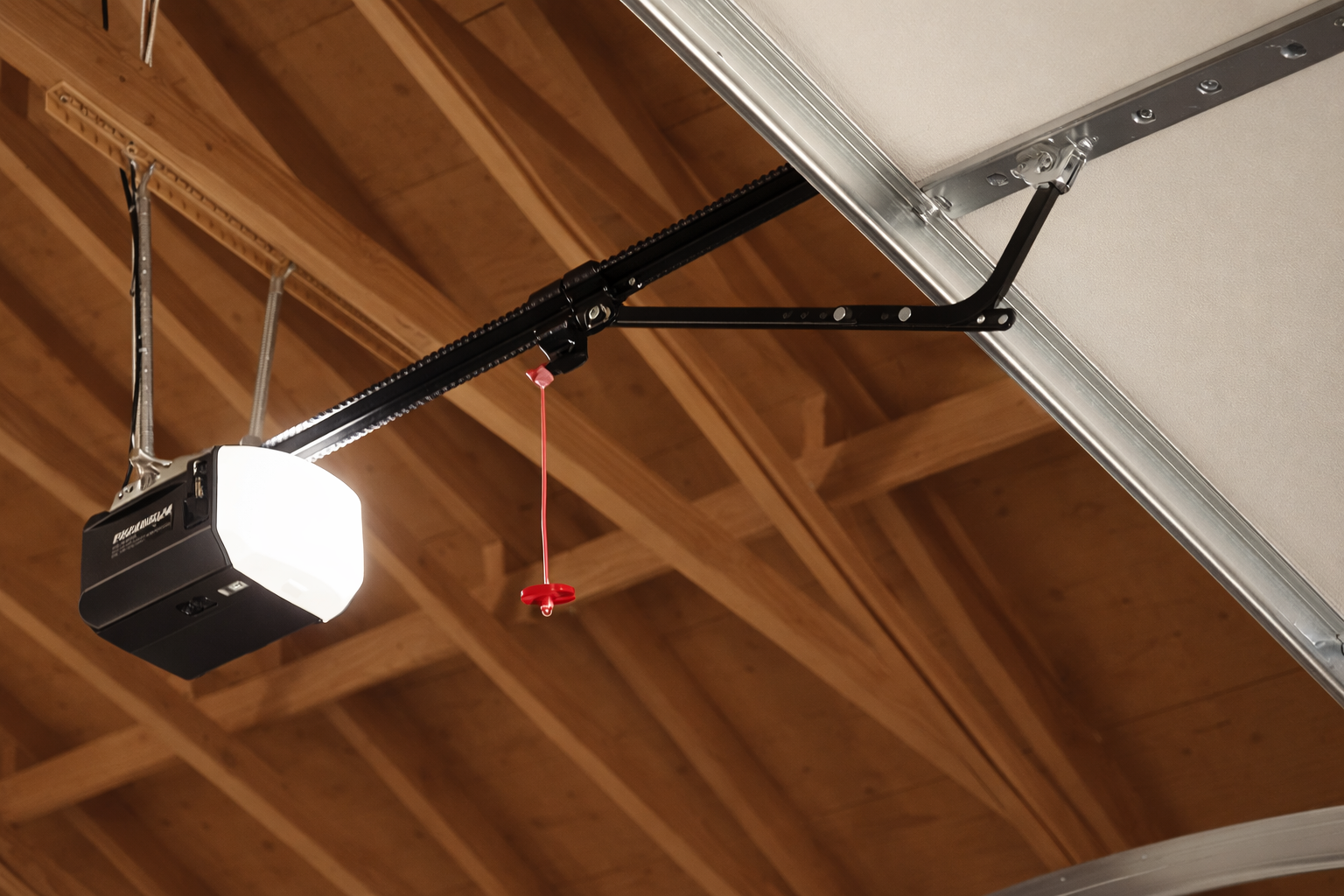
The Chamberlain garage door opener is the best and most efficient device for garage doors because of its robustness, intelligent construction, and secure operations.
Irrespective of whether you wish to install the Chamberlain garage door opener from scratch or install additional features. Such as a remote control or ensuring that the garage door opener can work hand-in-hand with your smart devices. Therefore, correct installation would be crucial.
The instructions given below contain everything you require regarding the proper installation and setup of the Chamberlain garage door opener. This would include installing a remote, setting up a keypad, and even working the MyQ system.
This way, it will guide you through the entire process and point out when you require professional assistance.
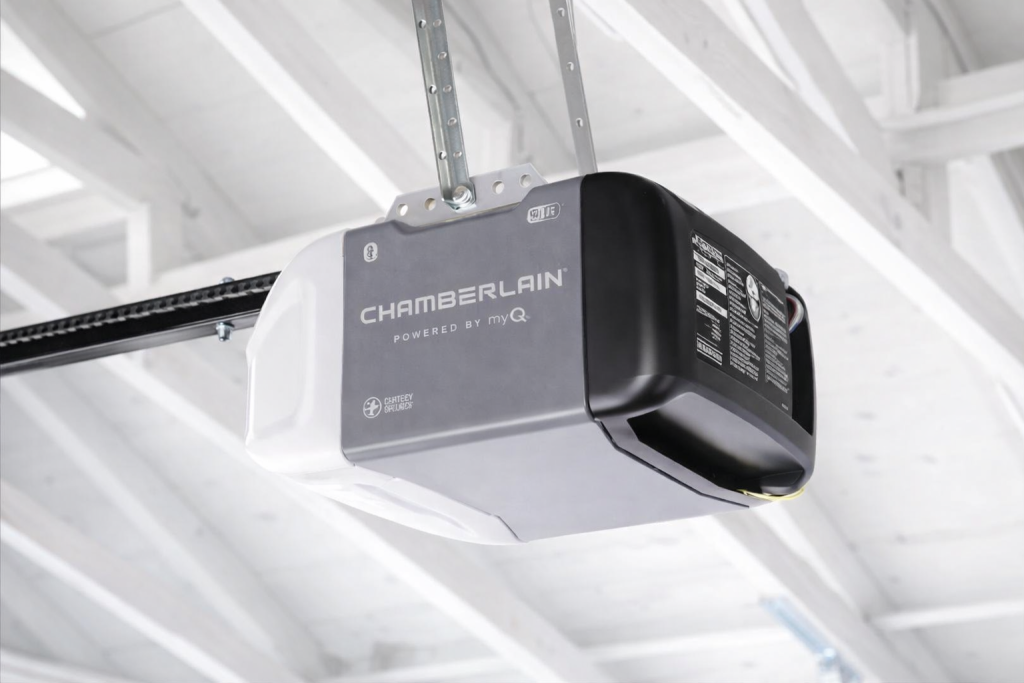
What To Know About Chamberlain Garage Door Opener?
Components and Features
To properly set up your garage door opener, first get familiar with its key parts:
- Motor housing: belt drive, chain drive, or wall mount
- Rail mechanism
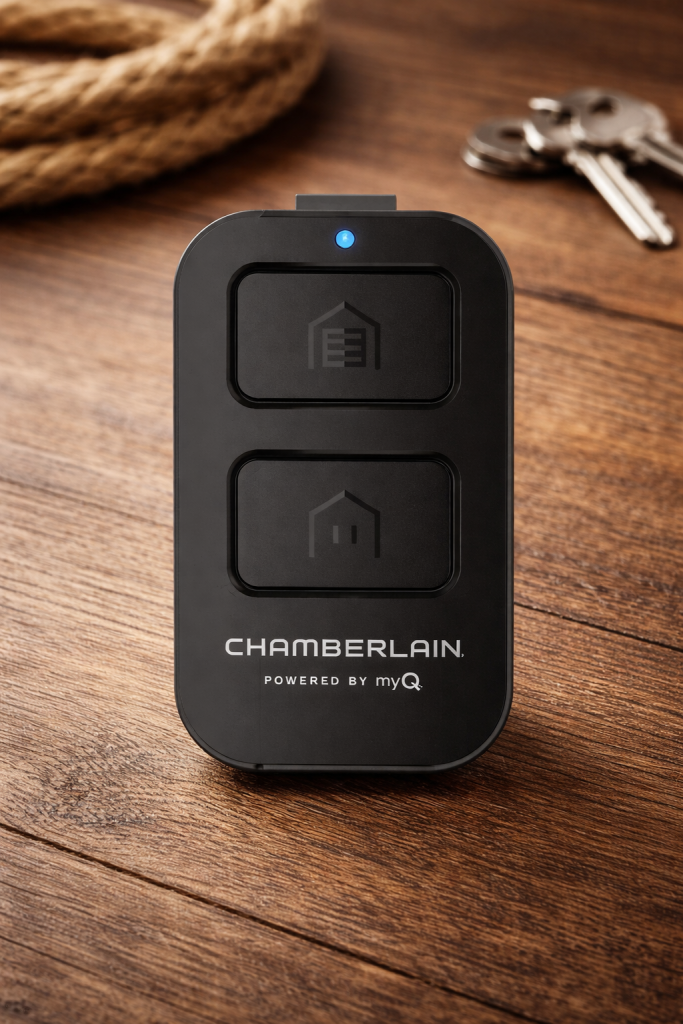
- Remote controls & wall control
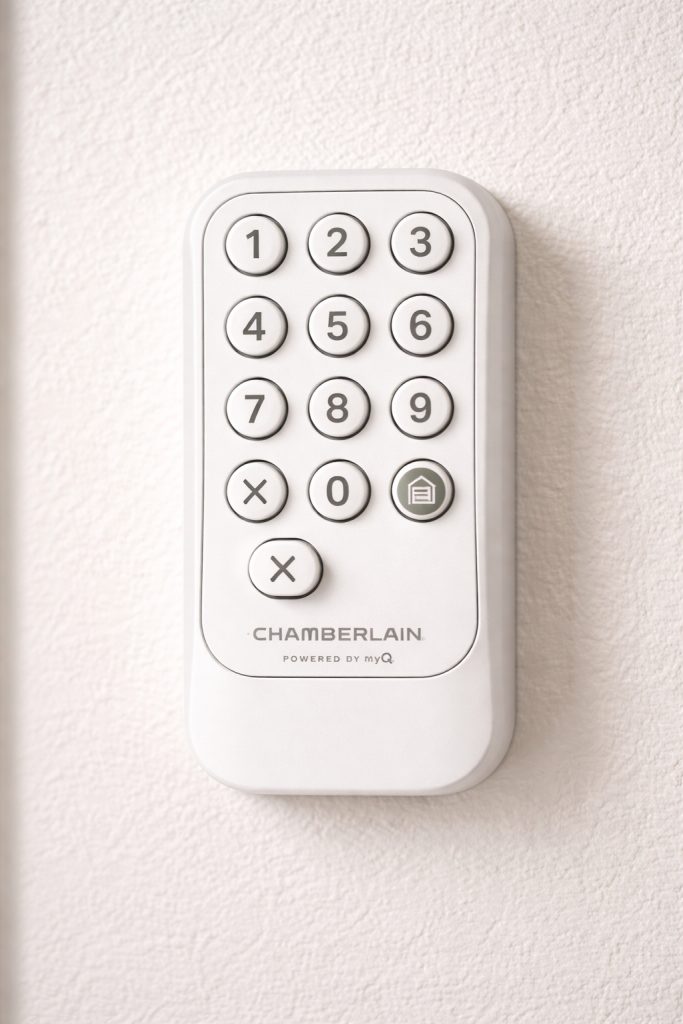
- Wireless keypad
- Safety sensors
- Learn button: programming device
- MyQ system: wireless devices
Chamberlain garage door openers have been designed for silent use and come with numerous smart features integrated within them.
In addition, Chamberlain produces an array of different models with numerous smart options, such as MyQ systems.
More details on specifications can be found on the official website of Chamberlain company.
Proper Installation is Very Important
Inaccurate installation or programming could cause:
- Failing remote controls
- Dangerous situations: door failure to stop or reverse
- Connection problems with smart devices
Since the garage door is mechanically and electrically complex. Installation and repair should always be done by a professional garage door company. Improper handling could cause significant injuries.
Guide for Installing a Chamberlain Garage Door Opener
General Installation
Here are the instructions on installing a Chamberlain garage door opener:
- Secure mounting of the motor unit onto the ceiling
- Alignment and installation of the rail
- Connecting the opener to the garage door
- Installation of safety sensors at ground level
- Installation of the wall control
- Testing the door for balance and travel adjustment
- Important Safety Precautions
Garage door units function under great strain. DIY installation of a Chamberlain garage door opener without the right equipment and expertise may lead to serious injuries.
This is something that should never be attempted. Contact only an authorized Chamberlain garage door opener installer to perform the installation process safely.
Basic Chamberlain Garage Door Opener Installation Guidelines
Initial System Setup
After installation, there are several settings that need to be set for the opener to function effectively:
- How far the door opens or closes
- Force setting
- Safety reversing system testing
- Controlling devices synchronization
This is where you ensure your opener functions well and safely.
Chamberlain Learn Button Programming
The learn button programming method for Chamberlain is one of the most important procedures for matching remotes, keypads, and other devices.
- It is found in the motor head (generally inside a light hood)
- Programs all wireless accessories
- Uses rolling code encryption for additional security
Programming Chamberlain Remotes
How to Program Chamberlain Garage Door Remotes
When programming a remote, it should be synchronized with the opener via the Learn button.
Important notes:
- A separate programming for each remote is necessary
- Many units can handle several remotes
- Quick process, but accurate programming is essential
Setup of Chamberlain’s Rolling Code Remote
In modern Chamberlain’s models, rolling code is applied. Each time the remote control transmits commands to the gate, its access code changes. Thereby increasing security.
Chamberlain’s Clicker Remote Control Setup
Universal or Chamberlain clicker remote control setup is important when dealing with such equipment that is compatible with many different manufacturers. In such case, programming becomes crucial.
Universal Remote Programming for Chamberlain
When programming a universal remote control:
- Make sure the remote is compatible with Chamberlain system
- Follow certain instructions by manufacturer
- Use the ‘Learn’ button to program remote
Programming of Chamberlain Wireless Keypad
Program the Chamberlain Garage Door Keypad
A wireless keypad provides a means of entry without requiring a remote control. The following are procedures to program:
- Personal Identification Number (PIN) setting
- Keypad synchronization with the opener
- Access testing
Chamberlain Keyless Entry System
This is best for family and multiple access. The system ensures convenience and safety by using PIN security features.
MyQ Chamberlain Set-up & Smart Capabilities
What is MyQ?
The Smart garage door system provided by the Chamberlain brand may also feature MyQ capabilities, which allow:
- Smartphone access
- Instant notifications
- Compatibility with smart platforms
Set Up Chamberlain MyQ App
First, you need to:
- Download MyQ app
- Set up a new account
- Add opener information
Link Chamberlain Garage Door Opener to Wi-Fi
Wi-Fi link will make possible the following functions:
- Control your door from anywhere
- Check status online
- Receive notifications
Advantages of MyQ Linkage
- Highly convenience
- Better security monitoring
- Integration into smart homes
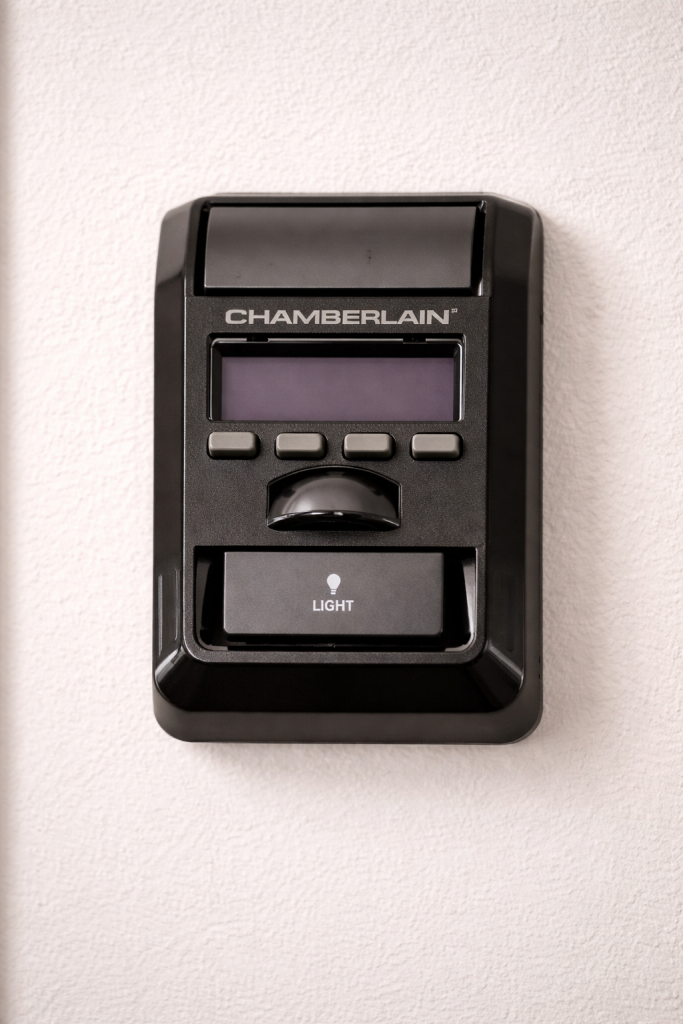
Programmable Chamberlain Wall Control
Features of Wall Controls
The wall control unit enables easy operation directly from inside the garage. Its advanced functions are as follows:
- Motion-sensor light
- Lock function: remote deactivation
- Closing timer function
Programming and Synchronization
Chamberlain wall control programming facilitates proper communication between the control panel and the opener.
Chamberlain Remote to Opener Pairing Process
The process of pairing Chamberlain remote to opener involves the use of radio frequency communication and coded encryption.
Important aspects include:
- Each unit needs to be paired separately
- Older units may not be able to communicate with new units
- Repairs may be necessary after a reset
Troubleshooting Chamberlain Garage Door Opener
Common Problems and Their Likely Causes
Non-Functioning Chamberlain Remote Control
Some likely causes are:
- Depleted battery life
- Interference with signals
- Loss of coding
Programming Troubles with Chamberlain Opener
These could be caused by:
- Improper use of the learn button
- Incompatible devices
- Exceeded memory capacity: too many devices coded
Tip: For any issues where your system is showing flashing lights or error codes, studying garage door opener diagnostic codes will also be helpful.
Chamberlain Garage Door Opener Reset Procedure
This is useful for solving various types of problems:
- Clears out all preprogrammed devices
- Enables setting up anew
- Good for troubleshooting recurring problems
Professional Assistance Required
In case the problem is still not solved after troubleshooting, or if you have noticed any of the following:
- Inconsistent performance of your garage door
- Strange movements
- Misaligned sensors
Seek a professional garage door opener technician. This is because garage doors have the ability to cause severe injuries if tampered with incorrectly.
Long-Term Performance Best Practices
Maintenance
- Check sensors and alignments
- Check safety reversal
- Change remote batteries on schedule
Keep Software Up to Date
For MyQ-enabled garage doors:
- Update firmware
- Keep the app updated
Do Not Overload the System
- Do not exceed use guidelines
- Must ensure that the garage door is balanced
Conclusion
The installation of a Chamberlain garage door opener requires not only proper installation but also proper programming and smart connections. Whether it’s Chamberlain remote programming or MyQ programming. It is because every step counts for a safe and efficient system functioning.
It’s worth knowing how to do this yourself, but you must take into account all possible hazards and dangers associated with garage doors. They are complicated equipment that is potentially dangerous if installed or repaired by unskilled persons.
Hence, when installing, repairing, or dealing with other types of Chamberlain problems, you should use the services of professional garage door openers. They will ensure not only good work but also the safety of your family members.
Therefore, with proper installation and maintenance, you can enjoy many years of using your Chamberlain opener.
Chamberlain Garage Door Opener FAQ
How do I install a Chamberlain garage door opener?
For the installation of a Chamberlain garage door opener, professionals should take charge of the process. As it involves both the installation and calibration of the opener and programming of the device with the use of the Learn button.
How to program a Chamberlain garage door remote?
The process of programming of a Chamberlain remote requires you to use the Learn button of the Chamberlain opener and sync with the remote.
Why isn’t my Chamberlain remote working?
The problem of your remote not working may be attributed to low battery level or interference. You should reprogram the remote and seek professional services if the problem persists.
How do I reset a Chamberlain garage door opener?
When resetting a Chamberlain garage door opener, you will need to clear its memory so that no device is paired with it anymore.
How to Connect MyQ Garage Door Opener to WiFi?
For connecting Chamberlain garage door opener to WiFi, download the MyQ app. Sign in or register your opener and then follow the instructions in the app.
Is it possible to use a universal remote with Chamberlain opener?
Yes, universal programming of the remote with Chamberlain garage door opener may be possible depending on its compatibility. The remote needs to be synchronized with the Learn button.
What is the purpose of Chamberlain Learn button?
Chamberlain Learn button helps to program and synchronize other remote control devices. Like remote, keypad, or smartphone for the safe opening and closing of the door.
How to Program Chamberlain Garage Door Keypad?
To program Chamberlain garage door keypad, enter a code on it. Then, synchronize the keypad with the opener via the Learn button.
Is it okay to install and repair a garage door opener independently?
No. Garage door opener systems are complicated. Any mistake during their installation and repairing will lead to accidents and serious injuries.